Nowadays, data is everywhere, on apps, websites, and online services we use every day. But with so much information, how is it all kept organized? That’s where a Database Management System (DBMS) comes in.
A DBMS is like a smart digital librarian. It stores, organizes, and manages data so it’s easy to find, use, and protect. Whether it’s tracking orders in an online store or saving your settings in an app, a DBMS keeps everything running smoothly behind the scenes.
In this blog post, we’ll explore what a DBMS is, its history, key features, how it works, its benefits, challenges, and real-world applications. Whether you’re new to tech or curious about data management, this guide will break down the magic of DBMS in simple terms.
What is a DBMS (Database Management System)?
A Database Management System (DBMS) is software that helps create, manage, and organize data in a structured way. It acts as a middleman between users (or applications) and the database, which is a collection of data stored in an organized format. Think of a database as a digital filing cabinet, and the DBMS as the tool that helps you add, update, or find files quickly.
The concept of DBMS started in the 1960s when businesses needed better ways to handle data. Charles Bachman, a computer scientist, developed one of the first DBMS systems, called the Integrated Data Store (IDS). Over time, DBMS developed to handle larger datasets and more complex tasks, becoming a cornerstone of modern computing.
A DBMS allows users to perform tasks like:
→ Storing data (e.g., customer names, product details).
→ Retrieving data (e.g., finding a user’s order history).
→ Updating or deleting data (e.g., changing a user’s address).
→ Ensuring data is secure and consistent.
Unlike traditional file systems, a DBMS organizes data in tables, making it easier to manage and query. Popular DBMS examples include MySQL, Oracle, Microsoft SQL Server, and PostgreSQL.
Types of DBMS
There are different types of DBMS, each designed to handle data in a specific way. These types are based on different data models and how they organize, store, and retrieve information.
Choosing the right type depends on your project’s needs. Here are the main types explained in simple terms:
- Relational DBMS (RDBMS): This is the most common type. It stores data in tables with rows and columns, like a spreadsheet. Each table can be linked to others using keys, making it easy to find and combine data. For example, a store might have a table for customers and another for orders, linked by customer IDs. Examples include MySQL, PostgreSQL, and Oracle.
- Object-Oriented DBMS: This type stores data as objects, like in object-oriented programming. It’s useful for handling complex data, such as multimedia or geographic information. Examples include ObjectDB and Versant.
- NoSQL DBMS: Designed for big data and flexibility, NoSQL DBMS handles unstructured or semi-structured data, like social media posts or JSON files. It’s great for apps that need to scale quickly. Types include key-value (e.g., Redis), document (e.g., MongoDB), column-store (e.g., Cassandra), and graph (e.g., Neo4j).
Other database models include the hierarchical model, which organizes data in a tree-like structure, and network models that represent more complex relationships.
Key Features of a DBMS
A DBMS comes with powerful features that make it a go-to tool for data management. Here are the main ones:
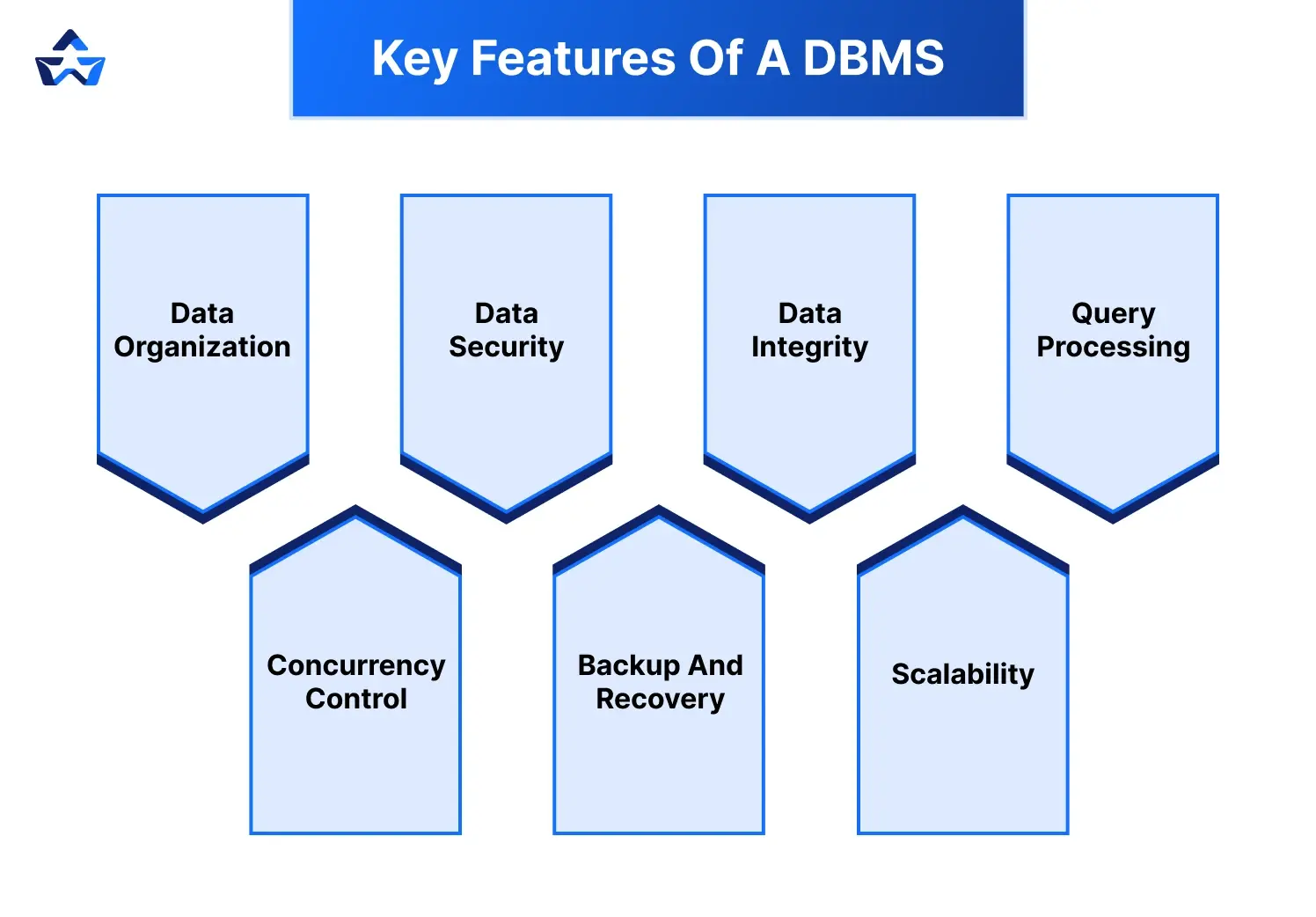
- Data Organization: A DBMS stores data in tables with rows and columns, similar to a spreadsheet. This structure makes it easy to find and manage information. It also supports relationships between tables, helping organize complex data efficiently.
- Data Security: DBMS systems protect data with user authentication, access controls, and encryption, ensuring only authorized people can view or edit sensitive information. This helps businesses comply with data protection laws and maintain customer trust.
- Data Integrity: A DBMS enforces rules to keep data accurate and consistent. For example, it can prevent duplicate entries or ensure required fields aren’t left blank. These checks reduce human errors and maintain the reliability of the database.
- Query Processing: DBMS supports languages like SQL (Structured Query Language) to quickly retrieve or manipulate data. For example, you can ask, “Show me all customers from New York,” and the DBMS will fetch the results. This makes it easy for users to analyze and interact with data without needing to manually search through records.
- Concurrency Control: A DBMS allows multiple users to access the database at the same time without conflicts. For instance, two employees can update different records simultaneously without causing errors. It ensures that all users see up-to-date information and their work doesn’t overwrite each other’s changes.
- Backup and Recovery: DBMS systems automatically back up data and can restore it if something goes wrong, like a system crash or power failure. This feature minimizes downtime and helps prevent data loss in emergencies.
- Scalability: A DBMS can handle small datasets or massive ones. In large-scale systems, technologies like Spark are used for distributed data processing. If you're preparing for big tech interviews, check out these PySpark Interview Questions.
How Does a DBMS Work?
To understand how a DBMS works, let’s discuss it down into simple steps:
- Creating a Database
A database is created using the DBMS software. For example, a store might create a database to track customers, products, and orders. The DBMS organizes data into tables with columns (fields) and rows (records). Here’s an example of a simple table:
| CustomerID | Name | City |
|---|---|---|
| 1 | John Doe | New York |
| 2 | Jane Smith | Chicago |
- Writing Queries
Users interact with the DBMS using a query language like SQL. For example, to find all customers in New York, you’d write:

The DBMS processes the query and returns the matching data.
- Managing Data
The DBMS handles tasks like:
→ Inserting: Adding new records (e.g., a new customer).
→ Updating: Changing existing data (e.g., updating a customer’s address).
→ Deleting: Removing records (e.g., deleting an old product).
→ Retrieving: Fetching specific data based on queries.
- Ensuring Efficiency
The DBMS optimizes queries to run quickly, even with large datasets. It also manages memory, storage, and processing to ensure smooth performance.
- Maintaining Security and Consistency
The DBMS enforces security rules (e.g., only managers can view sales reports) and ensures data stays consistent (e.g., preventing two users from editing the same record simultaneously).
Here’s a simple SQL example to add a new customer:

When executed, the DBMS adds this record to the Customers table.
Now that you understand how a DBMS works, the next step is learning how companies manage large-scale data using Data Warehousing.

Join our upcoming Data Warehousing Masterclass and explore real-world data systems used in top tech companies.
Advantages of a DBMS
A DBMS offers many benefits, making it essential for businesses and developers:
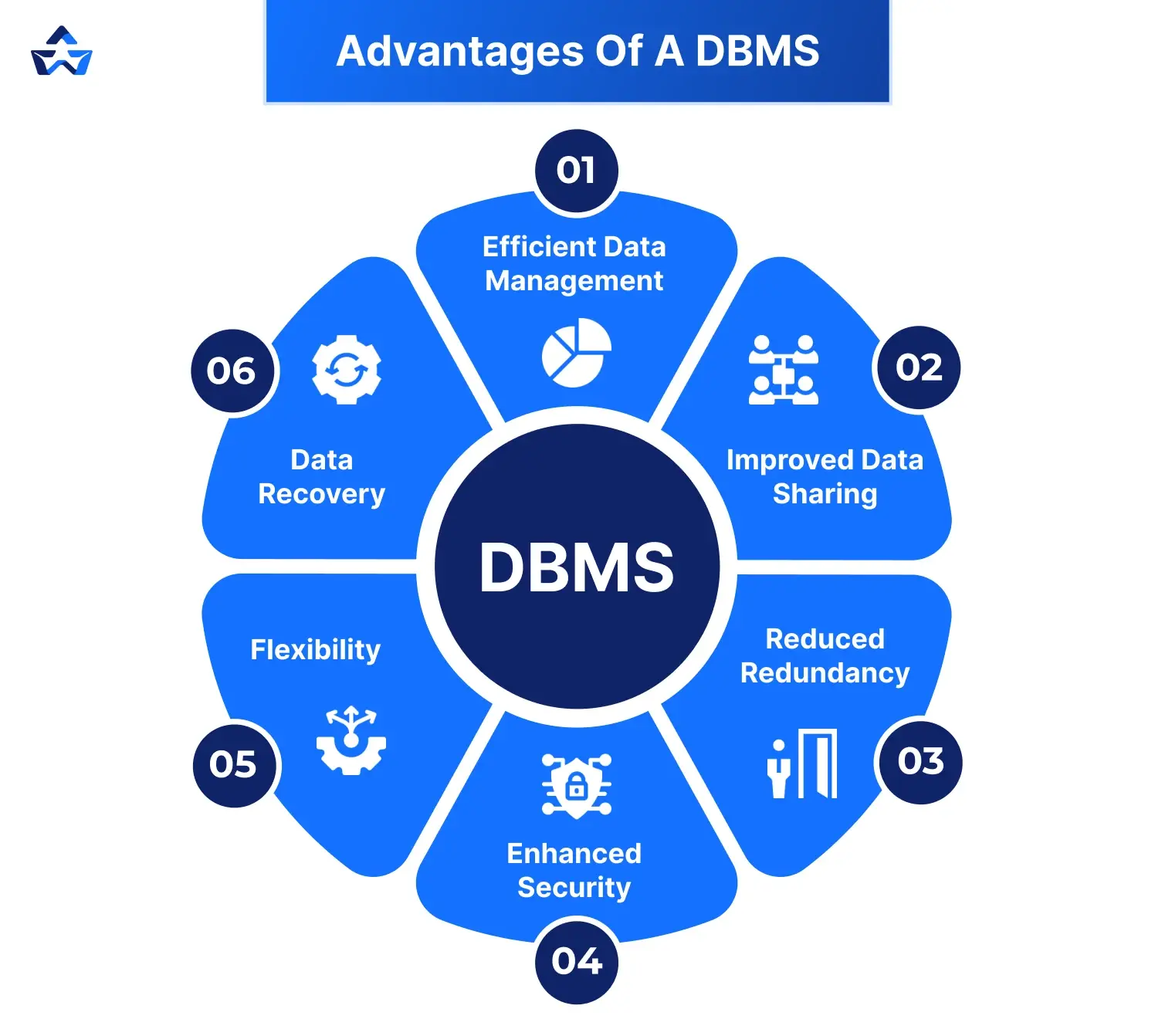
→ Efficient Data Management: A DBMS organizes data in a way that’s easy to store, retrieve, and update, saving time and effort. It ensures that users can quickly access the data they need without sifting through unstructured information.
→ Improved Data Sharing: Multiple users or applications can access the same database, making collaboration easier. This leads to smoother workflows and better decision-making across teams or departments.
→ Reduced Redundancy: A DBMS eliminates duplicate data, saving storage space and ensuring consistency. This helps avoid errors and keeps the database clean and organized.
→ Enhanced Security: Features like user authentication and encryption protect sensitive data from unauthorized access. Administrators can also assign specific access levels to users, adding an extra layer of control.
→ Flexibility: A DBMS can handle various data types (text, numbers, images) and support different applications. It can be easily adapted to meet changing business needs or software updates.
→ Data Recovery: Automatic backups and recovery tools prevent data loss during failures. This ensures business continuity and reduces downtime in case of technical issues.
Popular DBMS Software
Choosing the right DBMS or Relational Database Management System (RDBMS) can make data management easier.
- MySQL: MySQL is a free, user-friendly DBMS widely used for websites and apps. It’s fast, reliable, and great for both small and large projects. It works especially well with popular web platforms like WordPress and is backed by strong community support.
- PostgreSQL: It is a powerful, open-source relational database known for handling complex queries and large-scale applications efficiently.. It supports many data types and is popular for its strong features and community support. Developers like it for its flexibility and ability to handle large, complicated databases with ease.
- SQLite: SQLite is a lightweight, free DBMS ideal for small apps or mobile devices. It’s easy to set up and doesn’t need a separate server, perfect for beginners. Since it stores data in a single file, it’s also great for quick testing or standalone applications.
- Microsoft SQL Server: This is a paid DBMS from Microsoft, used by big companies. It’s great for business applications and works well with Windows, but it can be costly. It also offers powerful tools for data analysis and integrates smoothly with other Microsoft products like Excel and Azure.
- Oracle Database: Oracle is a paid, high-end DBMS for large businesses. It’s very secure and handles huge datasets, but it’s expensive and complex for small users. It’s known for high performance, reliability, and advanced features used in enterprise-level systems.
Applications of a DBMS
DBMS systems are used across industries due to their versatility. Here are some common uses:
→ E-Commerce: Online stores like Amazon use DBMS to manage product catalogs, customer orders, and payment details. They help ensure accurate inventory tracking and a smooth shopping experience for users.
→ Banking: Banks rely on DBMS to track accounts, transactions, and customer information securely. They also support real-time updates and fraud detection systems.
→ Healthcare: Hospitals use DBMS to store patient records, appointments, and medical histories. This allows for quick access to critical data during emergencies and improves patient care.
→ Social Media: Platforms like Facebook use DBMS to manage user profiles, posts, and connections. They help handle massive amounts of data efficiently and support fast content delivery.
→ Education: Schools and universities use DBMS to track student records, grades, and course schedules. It simplifies administrative tasks and enhances academic planning.
→ Gaming: Online games use DBMS to store player profiles, scores, and game progress. They also support multiplayer features and real-time game data updates.
Ready to master DBMS and kick-start your tech career? Enroll in our expert-led Data Engineer Course at Bosscoder Academy today and build the skills to excel in data and software development!
Conclusion
A Database Management System (DBMS) is an important tool that helps organize and protect data. It makes managing information easy and reliable for businesses, developers, and many industries. Even if it seems tricky at first, learning DBMS is worth it. Whether you’re a student or just curious, understanding how it works can lead to great tech opportunities.
If you're preparing for placements or product-based companies, make sure to also read our detailed guide on how to prepare DBMS for technical interviews to understand important concepts and commonly asked questions.
FAQs
Q1. What is a DBMS and how does it work?
Answer: A Database Management System is software that organizes and manages data. It lets users store, retrieve, update, and delete information using query languages like SQL. DBMS stores data in tables, processes requests, and maintains security while ensuring data consistency.
Q2. What are the main types of Database Management Systems?
Answer: The main DBMS types are Relational (MySQL, Oracle) which uses related tables, Object-Oriented (ObjectDB) which stores complex data as objects, and NoSQL (MongoDB, Redis) which handles unstructured data and scales quickly for large applications.
Q3. What are the key features of a Database Management System?
Answer: DBMS features include organized data storage, security controls, data integrity rules, query processing, multi-user access management, backup and recovery tools, and the ability to handle increasing data volumes as needed.
Q4. What are the advantages of using a DBMS?
Answer: DBMS advantages include efficient data handling, better information sharing, less duplicate data, stronger security, flexibility for different data types, and protection against data loss during system failures.