If you’ve been learning full stack development for a while- HTML, CSS, JavaScript, backend frameworks, databases, you’ve probably hit this moment:
“I know the concepts… but what should I actually build?
You open GitHub, look at your empty repositories, and suddenly every project idea feels either too basic, too copied, or not impressive enough for interviews.
If that sounds familiar, you’re not alone.
Most developers don’t struggle with learning syntax. They struggle with choosing the right projects- projects that show you can build something real, not just follow tutorials. And that’s exactly what this guide is about.
Why Project Choice Matters More Than You Think
When interviewers look at your portfolio, they’re usually short on time. They won’t read every line of code or explore every feature. What they are scanning for is simple:
- Can you build a complete application?
- Do you understand how frontend, backend, and databases work together?
- Can you handle users, data, and real-world edge cases?
- Have you taken something from idea → implementation → deployment?
That’s why “toy projects” don’t help much. What does help is building full stack projects that resemble real products with authentication, APIs, clean UI, and proper data handling.
So instead of random ideas, let’s walk through 15 full-stack projects, arranged in a way that matches how your skills naturally grow, from beginner to advanced.
Beginner Level Projects
When you’re starting out, the goal isn’t complexity. It’s completion. You want projects that:
- Touch every layer of the stack
- Are small enough to finish
- Still feel useful and real
Let’s begin there.
1. To-Do List App
A to-do list app is one of the most popular beginner projects because it uses basic full-stack concepts in a simple way. It helps users organize daily tasks such as work items, personal goals, & shopping lists by allowing you to add, edit, and track tasks efficiently.
Key Features
- Create, edit, complete, delete tasks easily.
- You can filter tasks based on status like pending or completed.
- It supports multiple users with personal task lists.
- Add priorities, categories, and due dates.
Skills You’ll Learn From This Project
- You’ll learn to design REST APIs using Node.js, Express, or Django.
- Implement CRUD operations for tasks and users.
- Store task data using MongoDB or PostgreSQL.
- Add authentication and user-specific data access.
- Know how to build responsive UI using React or plain JavaScript.
2. Library Management Python Project
Once you’re comfortable with simple user data, it’s time to handle multiple related entities. In this Python-based project, you will build a complete system to manage library operations such as book issuing, returns, and overdue tracking. This project focuses on handling both book records and user accounts efficiently.
Key Features
- Option to build using CLI or GUI for interaction
- Book issue and return tracking
- Search books by title, author, or availability
- Manage librarian and member accounts
- Track overdue books and due dates
Skills You’ll Learn From This Project
- Create relational databases using SQLite or PostgreSQL
- Implement CRUD operations for books and users
- Add authentication and role-based access control
- Use Django, Flask, or Python CLI for development
3. Blogging Platform Full Stack Project
Now let’s shift from data-heavy systems to content-driven applications. In this project, you will create a blogging platform that allows users to write, edit, and publish articles online. This project closely resembles real-world content management systems used by companies and creators.
Key Features
- Create and edit blog posts
- Save drafts before publishing
- Display posts with clean URLs
- Separate author and reader access Basic admin dashboard for content management
Skills You’ll Learn From This Project
- Build REST APIs for blog operations
- Handle user authentication and permissions
- Store articles with timestamps in a database
- Implement SEO-friendly routing
- Use React, Node.js, or Django
4. Weather Forecast Application
At this point, you know how to manage your own data. Next, you learn how to work with someone else’s data. You will build a weather forecasting app that fetches real-time data from external APIs. It is best for learning API integration and data handling.
Key Features
- Search weather by city name
- Display temperature, humidity, and forecast
- Handle invalid search inputs
- Save recent searches for users
Skills You’ll Learn From This Project
- Integrate third-party APIs securely
- Build backend proxy services
- Manage async data on frontend
- Store user search history
- Learn to improve error handling and UX
5. Expense Tracker Application
Let’s end the beginner phase with something practical and personal. This project helps users track daily income and expenses while visualizing spending habits. It is commonly used in finance-related applications.
Key Features
- Add income and expense records
- Categorize spending
- Monthly and yearly summaries
- Interactive charts and graphs
- User login for private data
Skills You’ll Learn From This Project
- Handle structured financial data
- Create charts using frontend libraries
- Build secure backend APIs
- Design relational data models
- Implement user-based data access
Intermediate Level Project Ideas
Now that you’re comfortable building complete apps, it’s time to make them more robust. These projects focus on scalability, dashboards, APIs, and multi-user systems. These projects are best for resumes and internships.
6. User Authentication System
This project focuses entirely on secure login and access control, which is essential for nearly every application.
Key Features
- User registration and login
- Encrypted password storage
- Protected routes
- Session management
Skills You’ll Learn From This Project
- Implement JWT-based authentication
- Use bcrypt for password hashing
- Secure APIs with middleware
- Store and manage user credentials
7. E-Commerce Website
This is where everything comes together. In this project, you will build an online store with product browsing, cart management, and order handling.
Key Features
- Product listing and details
- Shopping cart functionality
- Order placement and tracking
- Admin panel for product management
Skills You’ll Learn From This Project
- Build complex frontend flows
- Handle payments using Stripe or Razorpay
- Manage orders and inventory
- Design scalable backend APIs
8. Job Portal Application
Next, you move into multi-role systems. This project connects recruiters and job seekers using separate dashboards.
Key Features
- Job posting and applications
- Resume upload
- Job search and filtering
- Application tracking
Skills You’ll Learn From This Project
- Build role-based dashboards
- Handle file uploads
- Design multi-user workflows
- Implement notification systems
9. Online Learning Management System
An LMS pushes you deeper into structured content and progress tracking. Online courses are everywhere today, and this project shows how such platforms actually work behind the scenes. You’ll build a system where learning content, users, and progress tracking all come together smoothly.
Key Features
- Course creation and enrollment
- Lesson organization
- Progress tracking
- Certificate generation
Skills You’ll Learn From This Project
- Design content-driven systems
- Track user progress
- Manage roles (student/instructor)
- Build scalable APIs
10. Social Media Application
By now, you’re ready for interaction-heavy systems. From scrolling feeds to liking posts, social platforms rely on constant user interaction. This project helps you understand how profiles, content, and engagement are connected in real-world applications.
Key Features
- Create detailed user profiles with profile images and bio information
- Allow users to follow or unfollow others and build their own network
- Enable users to create posts and interact through likes and comments
- Support image uploads for posts and profile pictures
- Show notifications when someone interacts with a user’s content
Skills You’ll Learn From This Project
- How to design relational data models for users, posts, and interactions
- Building efficient feeds and timelines based on user connections
- Handling media uploads and storage securely
- Writing optimized database queries for high-traffic features.
Advanced Level Projects
Advanced projects aren’t about features alone, they’re about system design, scale, and real-world constraints. These projects are especially valuable for product-based company interviews.
11. Restaurant Management System
Restaurants deal with multiple operations at once i.e., orders, reservations, and customer management. This project focuses on building a digital system that simplifies daily restaurant workflows and reduces manual effort.
Key Features
- Display a digital menu with item details and pricing
- Allow customers to reserve tables by selecting date and time
- Enable online food ordering with real-time order status
- Provide an admin panel for staff to manage orders and bookings
- Send order or reservation confirmations via email or SMS
Skills You’ll Learn From This Project
- Designing booking systems with availability logic
- Managing order flows from placement to completion
- Integrating online payment gateways
- Building admin dashboards for operational control
12. Real Time Chat Application
This project introduces live communication features that power messaging apps used every day. It helps you understand how instant data updates work across users in real time. It’s one of the best ways to understand real-time communication at scale.
Key Features:
- Enable private one-to-one conversations between users
- Support group chats for multiple participants
- Deliver messages instantly using real-time connections
- Display online and offline user status
- Store chat history so conversations are not lost
Skills You’ll Learn From This Project:
- Implementing real-time communication using WebSockets or Socket.IO
- Updating the UI instantly when new messages arrive
- Persisting chat data in a database
- Designing event-driven backend systems
Don’t wait to build the career you’ve always wanted join Bosscoder Academy now and become a job-ready full stack engineer!
13. AI Powered Recommendation System
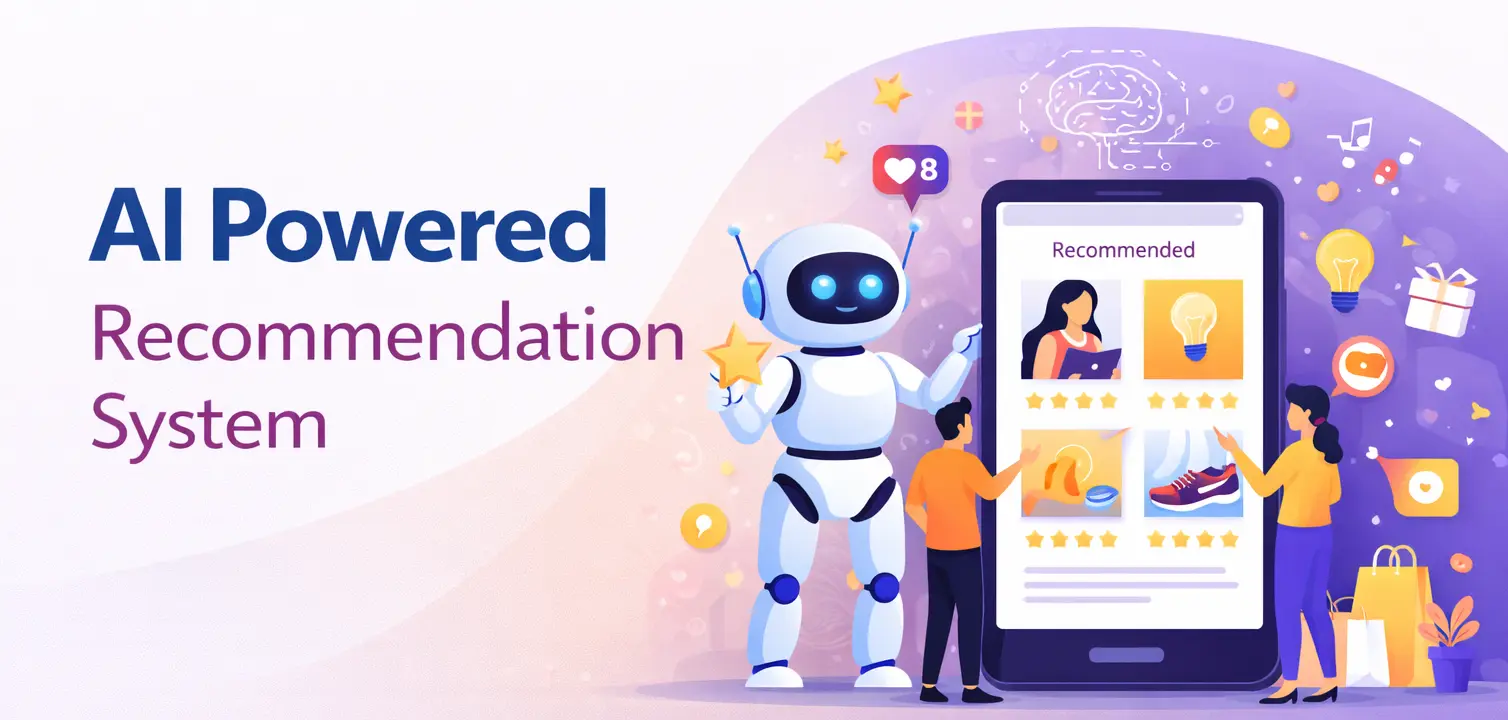
Now you move into personalization. Ever wondered how apps suggest what to watch, buy, or read next? This project dives into personalization by using user activity to recommend relevant content automatically, and also to show interviewers you can work beyond CRUD-based apps.
Key Features
- Track user actions such as clicks, views, or purchases
- Analyze behavior patterns to understand preferences
- Generate recommendations dynamically for each user
- Display suggested items in a clean and intuitive UI
Skills You’ll Learn From This Project
- Implementing recommendation logic using rules or ML models
- Working with user behavior and activity data
- Integrating machine learning models into backend services
- Building analytics pipelines to improve recommendations over time
14. Healthcare Management Dashboard
Handling medical data requires both accuracy and security. In this project, you’ll build a dashboard that manages patient information, appointments, and reports in a structured and safe way. It’s an excellent example of building software where trust and accuracy matter.
Key Features
- Create separate profiles for doctors and patients
- Schedule, update, and manage medical appointments
- Store medical records securely with proper access control
- Display health-related data and summaries on dashboards
- Provide analytics for clinics or healthcare providers
Skills You’ll Learn From This Project
- Implementing strict access control for sensitive information
- Designing secure data storage practices
- Building scheduling systems with conflict handling
- Developing compliance-aware application architecture
15. SaaS Analytics & Reporting Platform
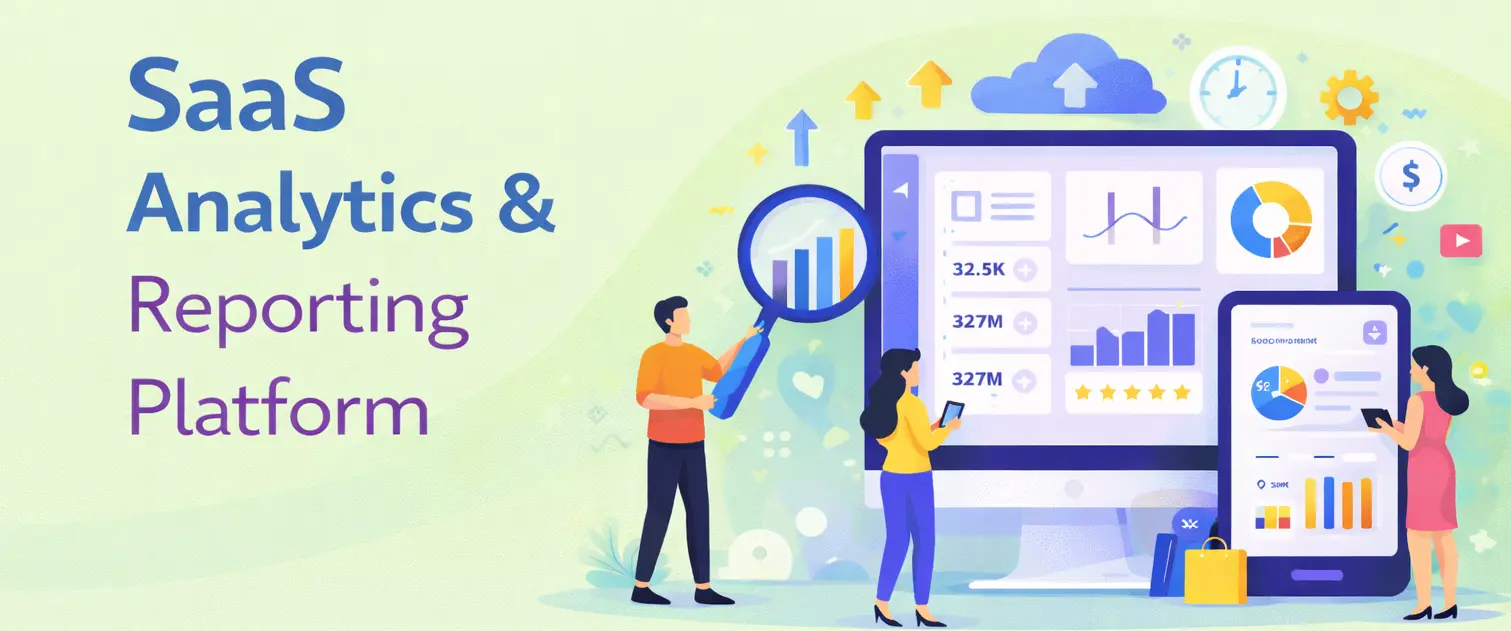
Finally, you bring everything together in a SaaS-style product. Modern SaaS companies rely heavily on data to make decisions. This project focuses on building dashboards that turn raw usage data into meaningful insights for different types of users.
Key Features
- Display interactive charts showing product usage and performance
- Provide role-based dashboards for admins, managers, and users
- Manage subscriptions and plan-based feature access
- Allow users to export reports for sharing and analysis
Skills You’ll Learn From This Project
- Designing analytics pipelines for large datasets
- Building scalable and responsive dashboards
- Managing user roles in SaaS applications
- Adding forecasting or trend analysis for better insights
How to Stand Out (Beyond Just Writing Code)
Completing a project is a solid first step. But if your goal is to crack interviews in top PBCs , you need to go a little further than just building features.
Improve the User Experience
Your app doesn’t need to look fancy, but it should feel smooth. Keep the UI clean, handle loading states properly, and show friendly error messages. Using tools like Tailwind or any UI library you’re comfortable with can make a big difference.
Share the Story Behind the Project
Don’t just show the final output but also explain the journey. Write about what problem you were solving, the choices you made, and what challenges you faced. This could be a blog post, a Notion page, or even a GitHub README.
Think Like a Product Builder
Go beyond saying “I used this tech stack.” Explain why you chose it and what trade-offs you considered. Showing this kind of thinking tells interviewers you understand real-world product patterns, not just coding.
At some point, most developers realize something important: building a few good full stack projects is necessary, but it’s not always sufficient on its own to feel truly job-ready.
As you go deeper, questions start popping up.
“Are you structuring your code the right way?”“Would this architecture hold up in a real production system?”
“How do these projects translate into system design discussions, machine coding rounds, or real SDE interviews?”
This is where structured guidance can make a real difference. Platforms like Bosscoder Academy focus not just on full stack development, but on helping developers prepare holistically as software engineers. Along with hands-on project work, the emphasis is on clean coding practices, system design thinking, real-world workflows, and scalable architecture, the things interviewers at product-based companies actually care about.
Instead of only learning how to build features, you start understanding why systems are designed a certain way, how trade-offs are made, and how production-ready software is evaluated. And when you’re unsure about which skills to focus on next, backend depth, frontend performance, or system design, having mentors who’ve been through the same journey helps bring clarity and direction.
FAQs on Full Stack Projects:
Q1: What are the best full stack projects for beginners?
For professionals starting full stack development, projects like a To-Do App, Blog Platform, or Expense Tracker are best. They help you practice frontend, backend, and database integration with step by step process.
Q2: How do I choose the right full stack project for my skill level?
Pick projects that align with your current role and practice one new concept at a time, such as authentication or APIs. This approach helps working professionals learn consistently without disrupting their daily 9- 5 job.
Q3: Which technologies are commonly used in full stack projects?
Most full stack projects use React for frontend, Node.js or Django for backend, and MongoDB or PostgreSQL for databases. Professionals also work with JWT, REST APIs, and cloud deployment tools.
Q4: Are full stack projects important for professionals switching roles?
Yes, strong full stack projects clearly help in solving real world problems & system understanding. For professionals, they act as proof of work when applying to product based companies.